How to Test Form Validation With Edge-Case Data (Boundary, Unicode & Malformed Input)
Most form bugs aren't in the ticket. They come from data nobody specified — a name with a ñ in it, a title longer than the layout expects, a date in the wrong format. Here's how to generate that data on purpose, in the form, without writing a script.
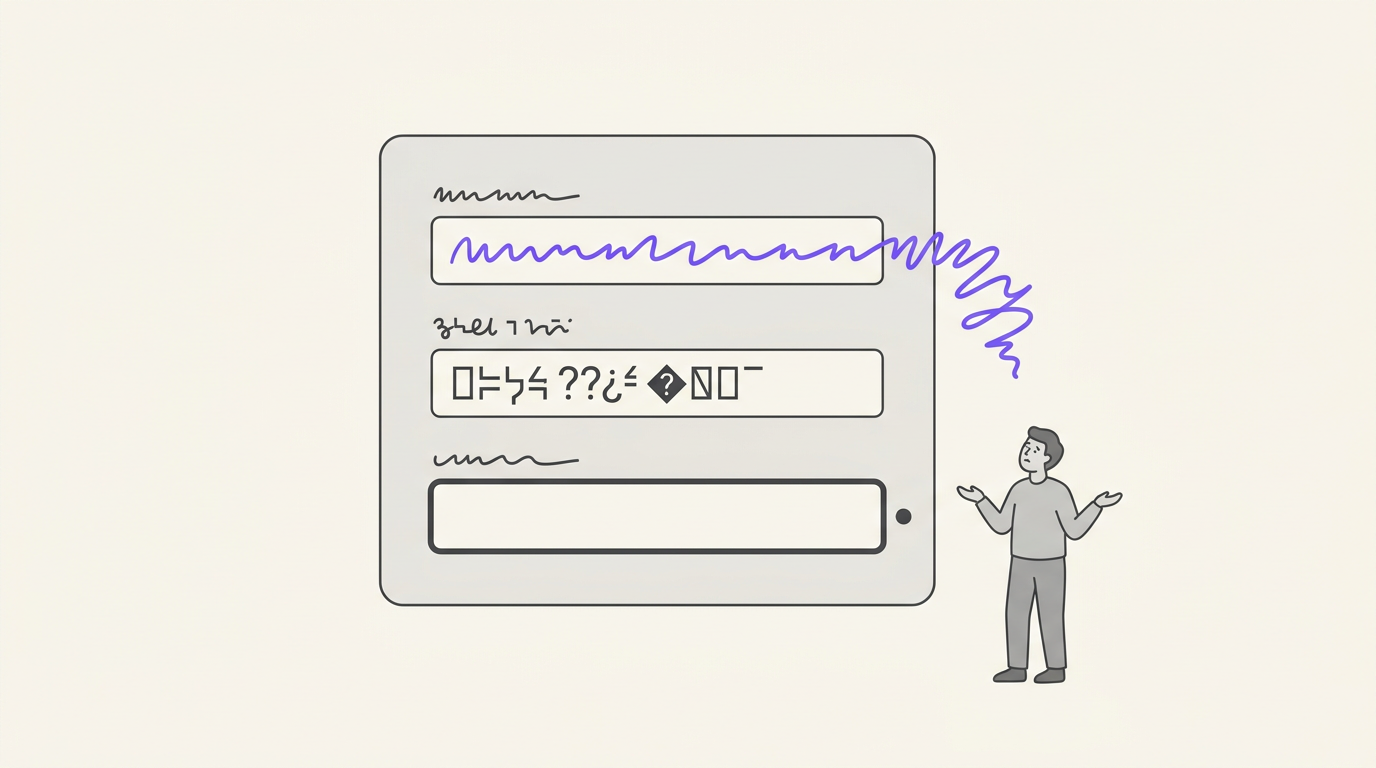
Two bugs from the same product, both shipped, neither one anybody's fault.
The first. An event management platform. Every field worked. Then attendees in the Philippines started signing up, and some of them couldn't create a profile at all — because their names contained characters that aren't in the English alphabet. Nothing in the test plan had ever put one of those characters into that field. Every name we had ever typed into it was ASCII.
The second, from the same platform. A name field with no maximum length. Not because someone decided it shouldn't have one — because nobody ever said what it should be. The ticket didn't specify it, so as the front-end developer I didn't set it, and QA didn't test it, because there was nothing in the ticket to test against. It surfaced later as wrecked layout the first time a real user typed a long name.
That second one is the pattern worth naming: the bug existed because no one specified the constraint, and no one tested it because no one specified it. There was no ticket to fail. It slipped through a process that was working exactly as designed.
You can't fix that with more careful reading. You fix it by making a category of input routine — by putting a too-long value, a Unicode value, and an empty value into every field as a matter of habit, whether or not the ticket mentions them.
This post is about how to actually do that without spending your morning on it.
Why these bugs survive review
Three reasons, and none of them are carelessness:
- The data you type is the data you know. Developers and testers type names they can type. Realistic-looking test data is almost always realistic for the person entering it — which usually means Latin script, medium length, well-formed.
- The requirement is missing, not wrong. Nobody writes "the name field must accept 60 characters and reject 300." So there's no acceptance criterion, no test case, and no failure — until production supplies one.
- Random fake-data fillers make it worse. They're built to produce plausible values. A plausible name is 6–12 Latin characters. Clicking a random filler a hundred times gives you a hundred values from the safe middle of the range and never once touches an edge.
The fix isn't "test more." It's testing with data chosen to sit at the edges instead of the middle.
The five classes of edge-case data worth generating
Every form bug in the two stories above falls into one of these. They're worth knowing as categories even if you generate them by hand:
| Class | What it is | What it catches |
|---|---|---|
| Boundary | Empty, one character, exactly the maximum, one over the maximum | Missing maxlength, off-by-one validation, layout that breaks on long values, required-field checks |
| Special characters | Accents, ñ, non-Latin scripts, emoji, right-to-left text | Encoding bugs, broken storage round-trips, mangled exports, regex validators that assume [a-zA-Z] |
| Malformed | Broken-but-plausible values for the field type — user@@mail, 2026-13-45 | Validators that accept the wrong shape, parsers that throw on bad input |
| Valid structured | Correctly formatted values that must pass a real algorithm — Luhn-valid card numbers, MOD-97 IBANs, real-format postcodes | False rejections; the opposite failure, where valid input gets refused |
| Adversarial | Attacker-shaped payloads — script tags, SQL fragments, unusual Unicode | Unescaped output, injection paths, sanitizers that only handle the obvious cases |
The first two are where the everyday bugs live. The last one needs care, and gets its own section below.
The everyday version: boundary values
Boundary testing is one question per field: what happens at zero, at one, at the limit, and one past the limit?
For a name field with an intended 60-character maximum, that's four fills:
- `` (empty) — does the required check fire?
A— does a one-character name pass?- 60 characters — does the field accept exactly the limit?
- 300 characters — is the input capped, is the error clear, and does the layout survive?
The fourth is the one that caught us. There's a specific tell to watch for: if a 300-character value goes in and the field accepts it without complaint, there is no maxlength — which means nobody set one, which means nobody decided what it should be. You've found a missing requirement, not just a bug.
Doing this by hand across a twelve-field form is forty-eight fills. That's why it doesn't get done. The trick is to make one click do a whole pass, then click again for the next.
In Fillr, you set a field's rule to Boundary once and save the preset. Each fill advances that field to the next edge value in its cycle — empty, then one character, then maximum, then overflow — so filling the same form four times walks the whole boundary set, and you can mix modes per field: boundary on the name, realistic data everywhere else, so you're testing one variable at a time.
Special characters and the ASCII assumption
The Philippines bug is the most common form bug in the world, and it has nothing to do with translation. The interface didn't need to be in another language. The data just had to contain a character outside the range that everything downstream quietly assumed.
Things that break on that character, in order of how often we've seen it:
- A validation regex written as
^[a-zA-Z\s]+$— rejects the name outright. This is the one that stops a user from signing up at all. - A database column or connection that isn't UTF-8 — the name saves as
Mu?ozand can't be searched. - Export to CSV or PDF — reads fine on screen, mangled in the file the client actually receives.
- Length validation counting bytes instead of characters — an emoji is one character and four bytes, so a "20-character" limit rejects at fourteen.
The test is easy the moment you have the data: put a name with diacritics, a name in a non-Latin script, and one containing an emoji into the field, then check all four places — the form accepts it, the record saves, it renders back, and it exports intact. Round-trip, not just submit.
Getting that data used to mean keeping a scratch file of tricky strings. Fillr's Special character rule generates them per field: accents, non-Latin scripts, emoji, and right-to-left text. If you want to go further and test whole locales rather than individual characters, that's a different job — see filling forms with localized test data.
Malformed and valid-structured: the two-sided test
These two are a pair, and testing only one side is how validators end up wrong in both directions.
Malformed input checks that bad data is rejected: user@@example, 2026-13-45, a phone number with letters in it. Plausible enough that a lazy validator lets it through, broken enough that it should never be stored.
Valid structured input checks the opposite — that good data is accepted. This is the failure mode nobody thinks to test, and it's expensive: a card field that rejects a real Luhn-valid number, an IBAN field that refuses a correctly-formed MOD-97 account, a postcode validator that only knows one country's format. Every one of those is a user who cannot give you money and does not file a bug report. They just leave.
Test both sides of every validated field. If you only ever fill it with valid data, you don't know whether it validates. If you only ever fill it with garbage, you don't know whether it accepts real customers.
Adversarial data — useful, and worth handling carefully
The last class is attacker-shaped input: script tags in a name field, SQL fragments in a search box, unusual Unicode designed to slip past a naive sanitizer. Firing these at your own staging environment is ordinary defensive QA — you're checking that output is escaped and input is parameterised before somebody else checks for you.
Two rules make it responsible rather than reckless:
- Only on systems you own or are authorised to test. Your app, your staging environment, your engagement. Not somebody else's form.
- Never by accident. This is data that can trip alerts, poison logs and pollute a shared database.
That second rule is why Fillr's Adversarial mode is off until you deliberately turn it on. It sits behind an explicit consent toggle in the extension's Settings, per install, defaulting to off — until you flip it, fields set to that rule are skipped and told you why. The payloads themselves are stored as plain readable text in the extension, so you can see exactly what would be sent before you send it. Nothing is hidden or fetched from a server.
For the common case — checking that a name field doesn't execute what you type into it — the standard payloads are enough, and the value is entirely in doing it routinely rather than cleverly.
How people generate this data today
| Approach | Boundary values | Unicode / special chars | Fills the form for you | Repeatable | No code |
|---|---|---|---|---|---|
| Typing it by hand | ✅ if you remember | ⚠️ whatever you can type | ❌ | ❌ | ✅ |
| A scratch file of tricky strings | ✅ | ✅ | ❌ copy-paste | ⚠️ manual | ✅ |
| Bug Magnet | ✅ | ✅ | ⚠️ one field at a time | ✅ | ✅ |
| A faker script | ⚠️ you write the edges | ✅ | ❌ export first | ✅ | ❌ |
| Random fake fillers | ❌ plausible values only | ❌ usually English | ✅ | ❌ | ✅ |
| Fillr test-data modes | ✅ cycles the whole set | ✅ | ✅ whole form | ✅ saved per field | ✅ |
Bug Magnet deserves a specific mention: it's a genuinely good, free, open-source tool, and if your job is "right-click this one field and drop an edge case in," it's the fastest way to do it. It's a per-field tool by design. The gap it doesn't cover is the whole-form pass — twelve fields, each with its own rule, filled in one click, the same way tomorrow. The two work fine together.
Making it routine
The point of all of this is not to run a thorough edge-case audit once. It's to stop treating edge cases as a separate activity.
A practical setup, which takes about two minutes per form:
- Capture the form you test most often as a preset.
- Set Boundary on every free-text field that has, or should have, a length limit.
- Set Special character on names, addresses, and anything a human types about themselves.
- Set Malformed on the validated fields — email, phone, date — and run a Valid structured pass on payment and identity fields.
- Leave everything else on realistic generated data so you're only changing one thing at a time.
Then the edge-case pass is a click, on every form, every time — including the fields nobody wrote a requirement for. Which is exactly where both of the bugs at the top of this post were hiding.
FAQ
What is boundary value testing on a form? Testing each field at the edges of what it accepts rather than the middle: empty, one character, exactly the maximum length, and one over. Most length and validation bugs live at those four points, and none of them are reached by typing a normal-looking value.
How do I test a form with special characters or non-English names? Enter names containing diacritics (é, ñ), a non-Latin script, and an emoji, then check all four stages — the form accepts it, the record saves, it renders back correctly, and it exports intact. Bugs commonly appear at the save or export stage rather than at input, so submitting alone isn't enough.
Why do random form fillers miss these bugs? Because they're designed to produce plausible values, and plausible means the safe middle of the range: a medium-length Latin-script name, a well-formed email. They never generate an empty value, a 300-character value, or an emoji, so they can't find the bugs those inputs cause.
What's the difference between malformed and adversarial test data?
Malformed data is broken-but-plausible input that a validator should reject (user@@mail, 2026-13-45) — it tests correctness. Adversarial data is attacker-shaped input like script tags or SQL fragments — it tests whether output is escaped and input parameterised. Only use adversarial data on systems you own or are authorised to test.
Is it safe to put XSS or SQL payloads into my own form? On a system you own or are authorised to test, yes — that's routine defensive testing. Do it deliberately, not accidentally: these payloads can trigger security alerts and pollute logs and shared databases. Fillr keeps adversarial mode behind an explicit off-by-default consent toggle for that reason, and stores the payloads as plain readable text so you can see what will be sent.
Can I test edge cases without writing code? Yes. A browser extension with per-field rules covers it: set a field to boundary, special character, malformed, or valid-structured values, save the preset, and every fill applies those rules to the form in front of you. No script, no export step, no separate data file.
The short version
The form bugs that reach production are usually not the ones somebody got wrong. They're the ones nobody specified — the missing maximum length, the character outside the alphabet everyone assumed. There's no ticket for them, so there's no test for them.
The way to catch them is to stop making edge-case data a special occasion. Set the rule once per field, and every fill from then on is an edge-case pass.
Fillr does that in the browser: capture any form as a preset, give each field a rule — boundary, special characters, malformed, valid-structured, or ordinary realistic data — and fill the whole thing in one click, the same way every time. Free to install, and one-click realistic fill costs nothing. Add it to Chrome and put a 300-character name into your own form — see what happens.